Autonomous trading
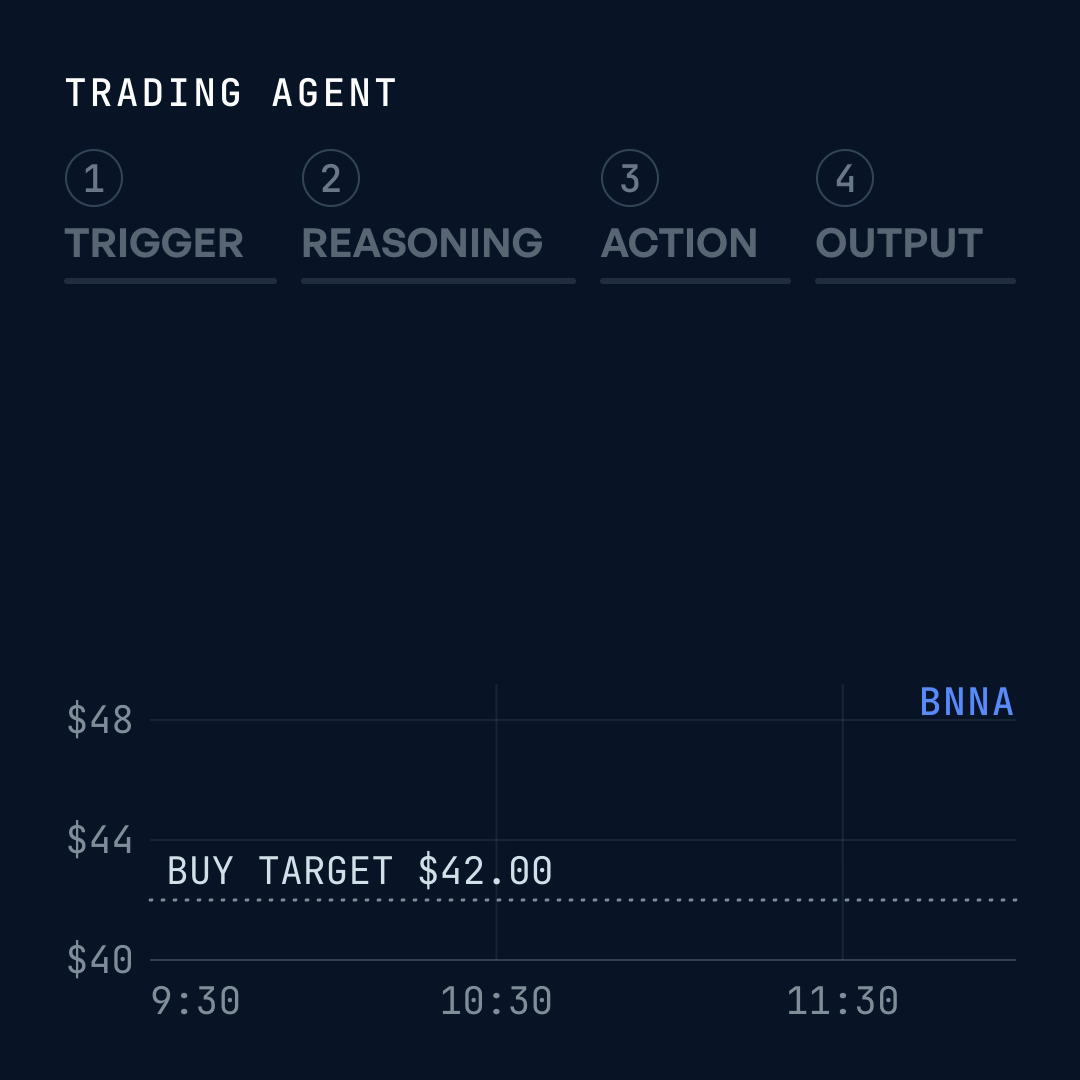
Reads each new report, checks the stock against a written thesis, and buys only inside the rules you set
Use cases
Most small businesses cover every function with a handful of people, or they outsource it. Both cost you: your best people lose hours to admin, or you pay a contractor, an agency or a VA every month to do it. Off-the-shelf AI hasn’t changed that, because a chatbot still needs someone to prompt it, check the output and move it into the next system. Below, you’ll see how much of each department can run on its own and where a person still makes the call.
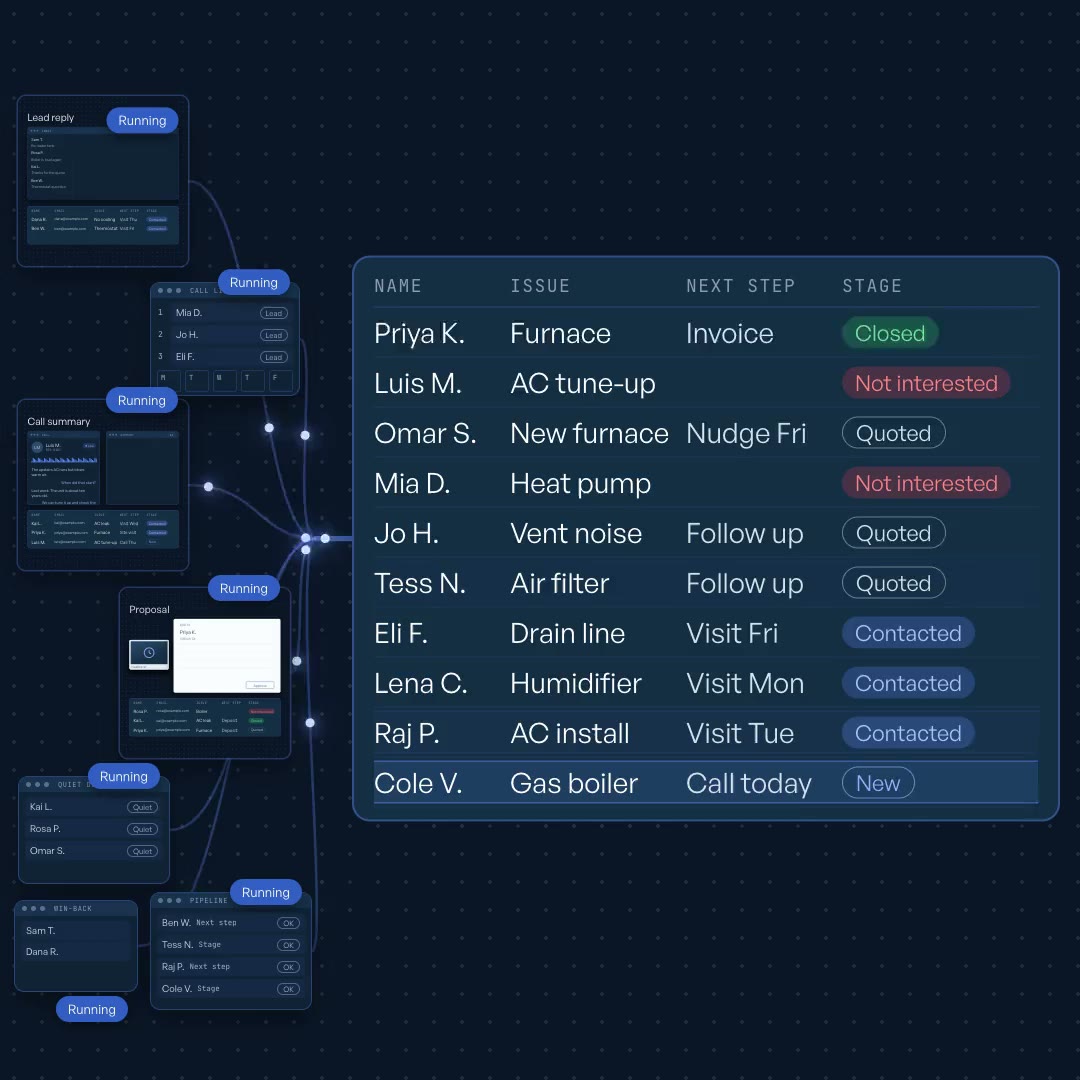
No lead waits on a reply, and every call is logged to the CRM without manual entry.
Connects to your inbox, web forms, CRM or sales spreadsheet, calendar, call recordings, e-signature and invoicing.
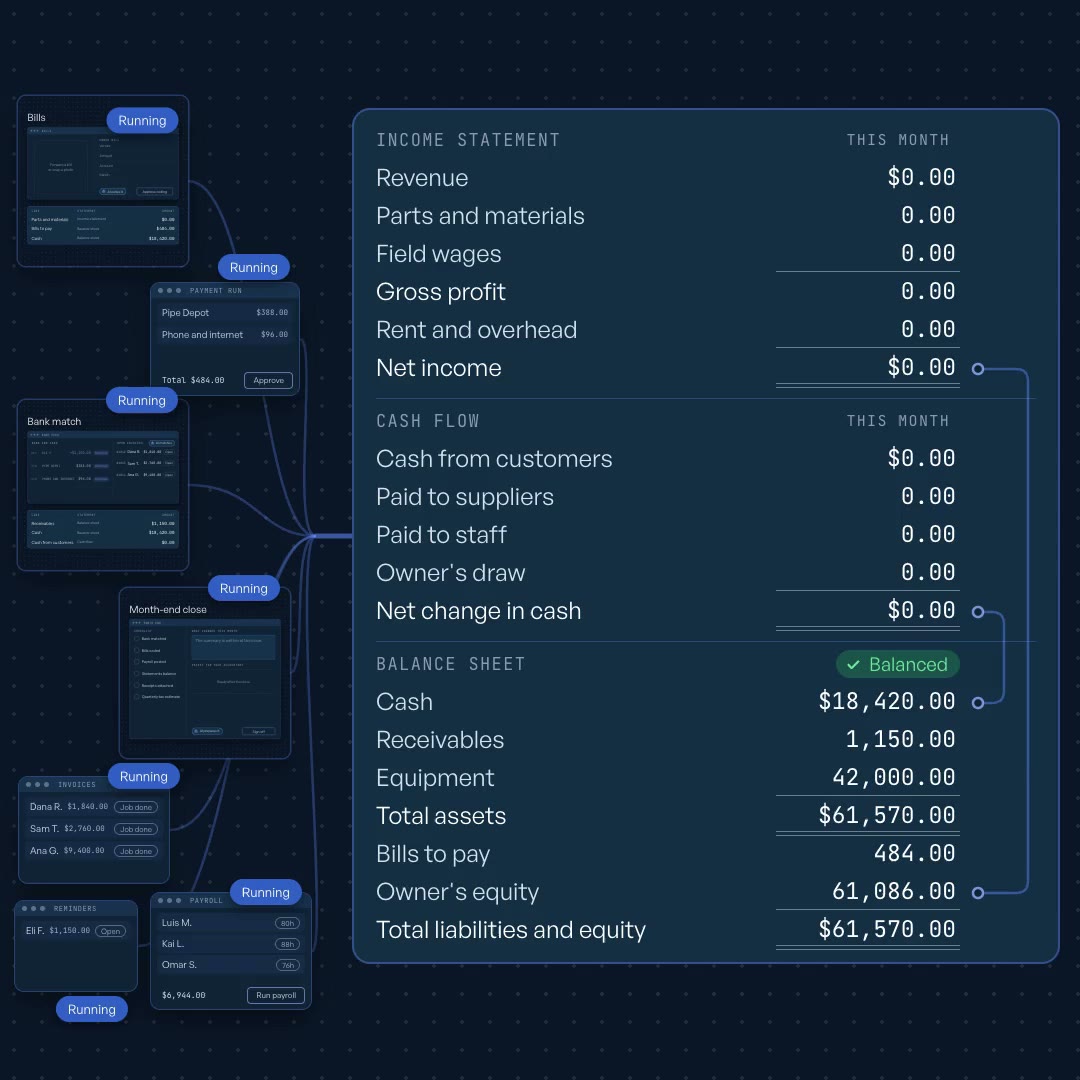
Know where your cash stands today, not after the month closes.
Connects to your accounting software, bank feed, payment processor, card or expense tool, payroll tool, email and shared drive.
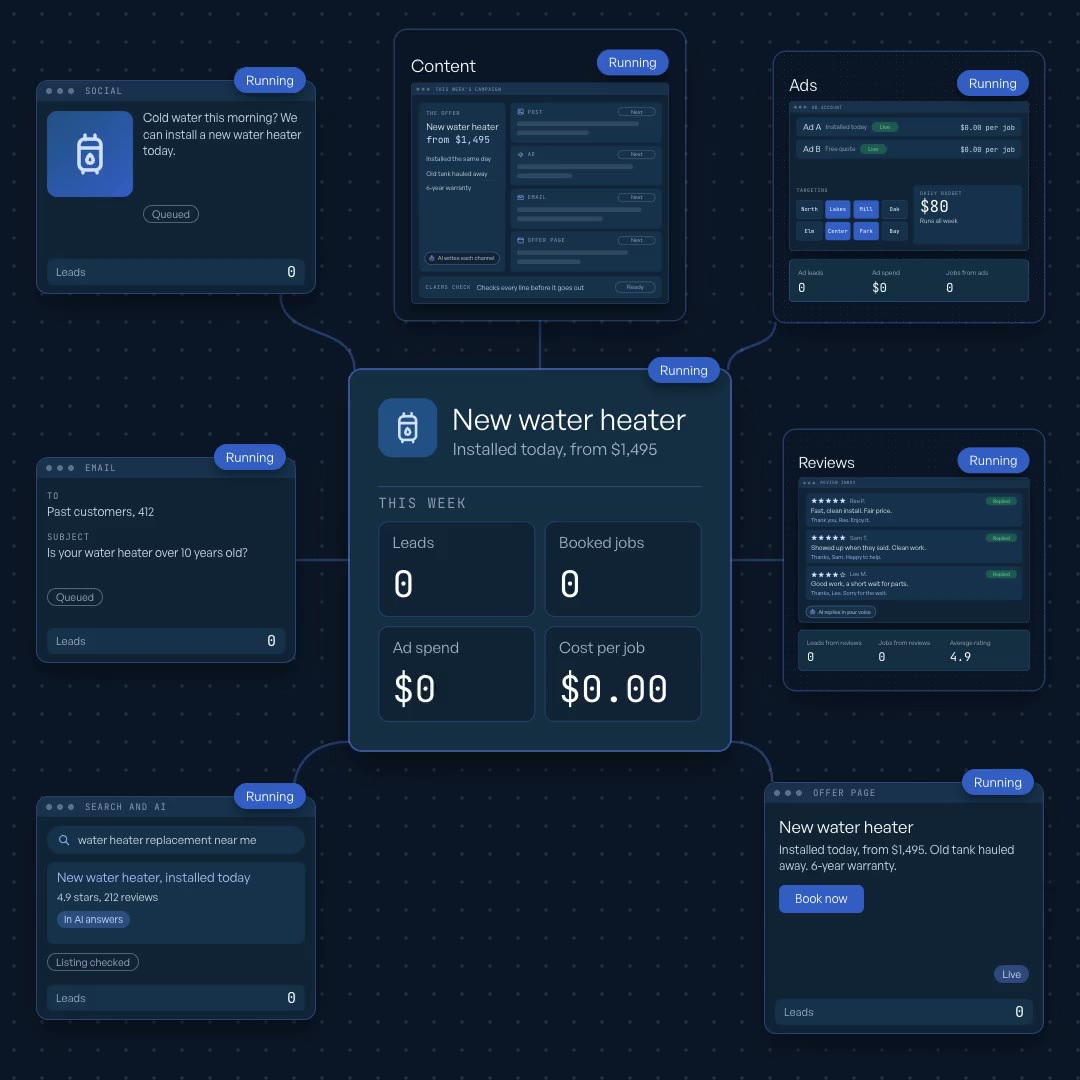
You publish consistently on every channel, and ad spend follows the revenue it drives.
Connects to your social scheduler, email platform, design tool, review sites, website or store, analytics, CRM and ad accounts.
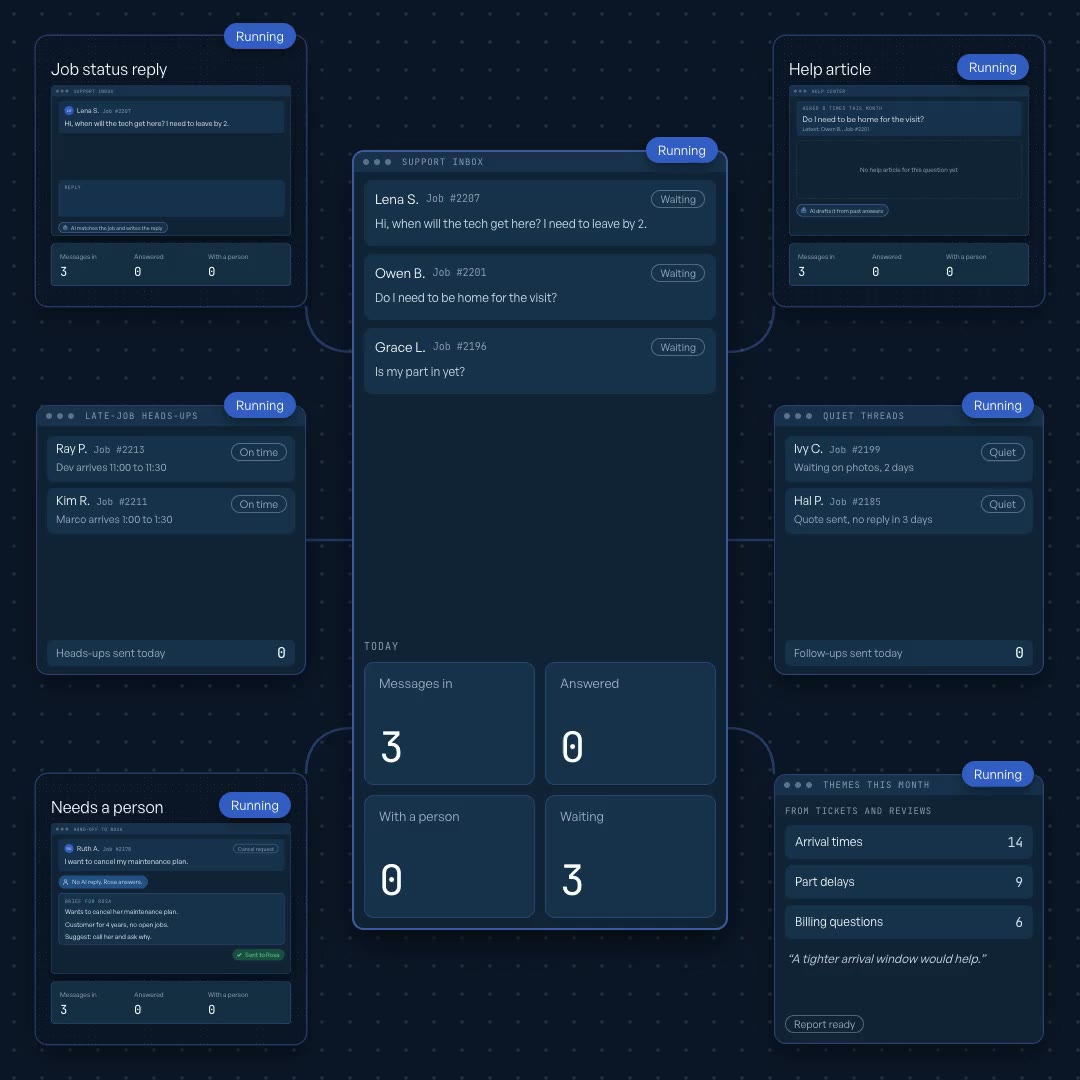
Customers hear about delays before they ask, and escalations reach a person with the full context.
Connects to your shared inbox or help desk, store or job system, payment processor, CRM, help center and team chat.
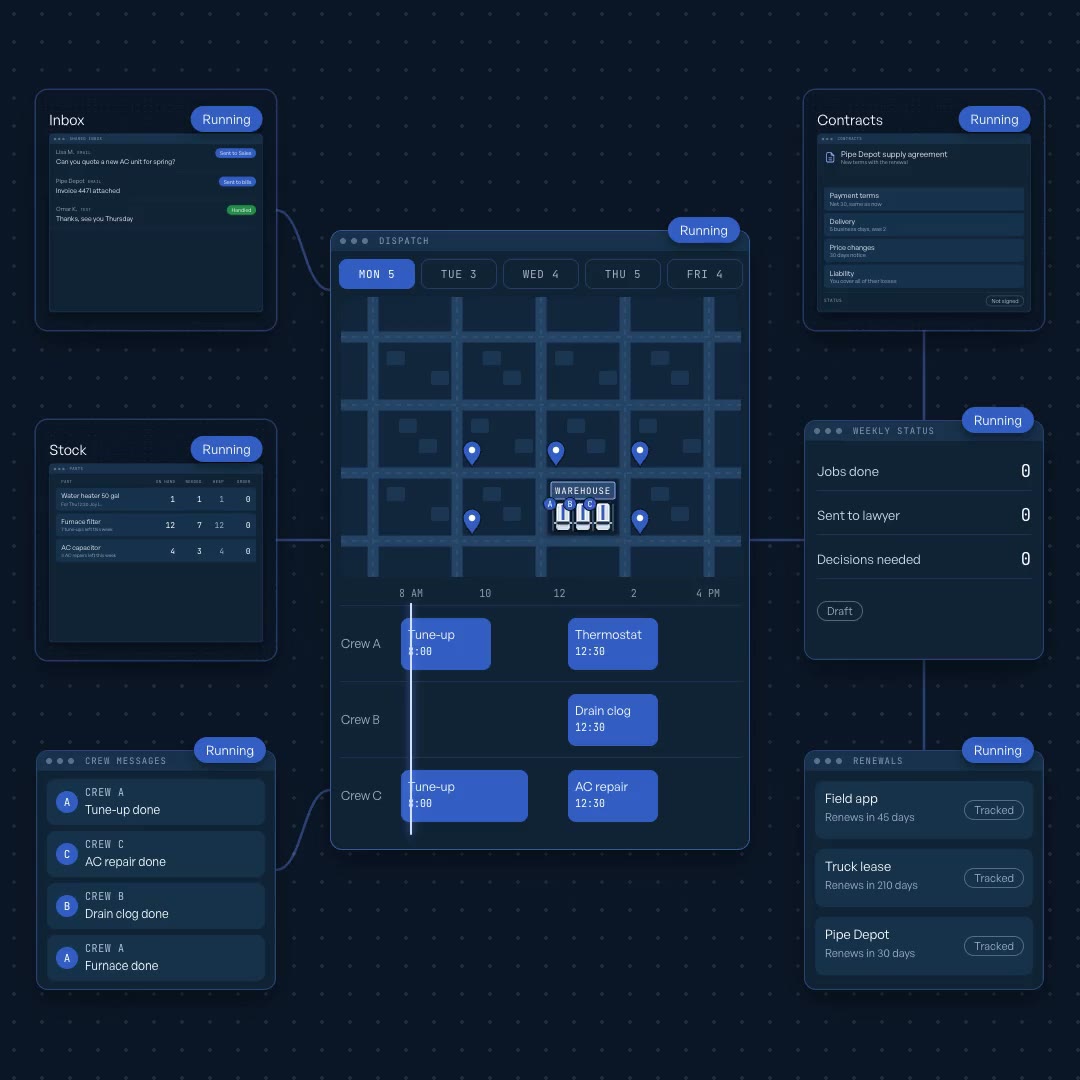
The business runs on a system instead of one person’s memory.
Connects to your email, team chat, calendar, scheduling or field-service tool, inventory list, task tracker, shared drive and e-signature.
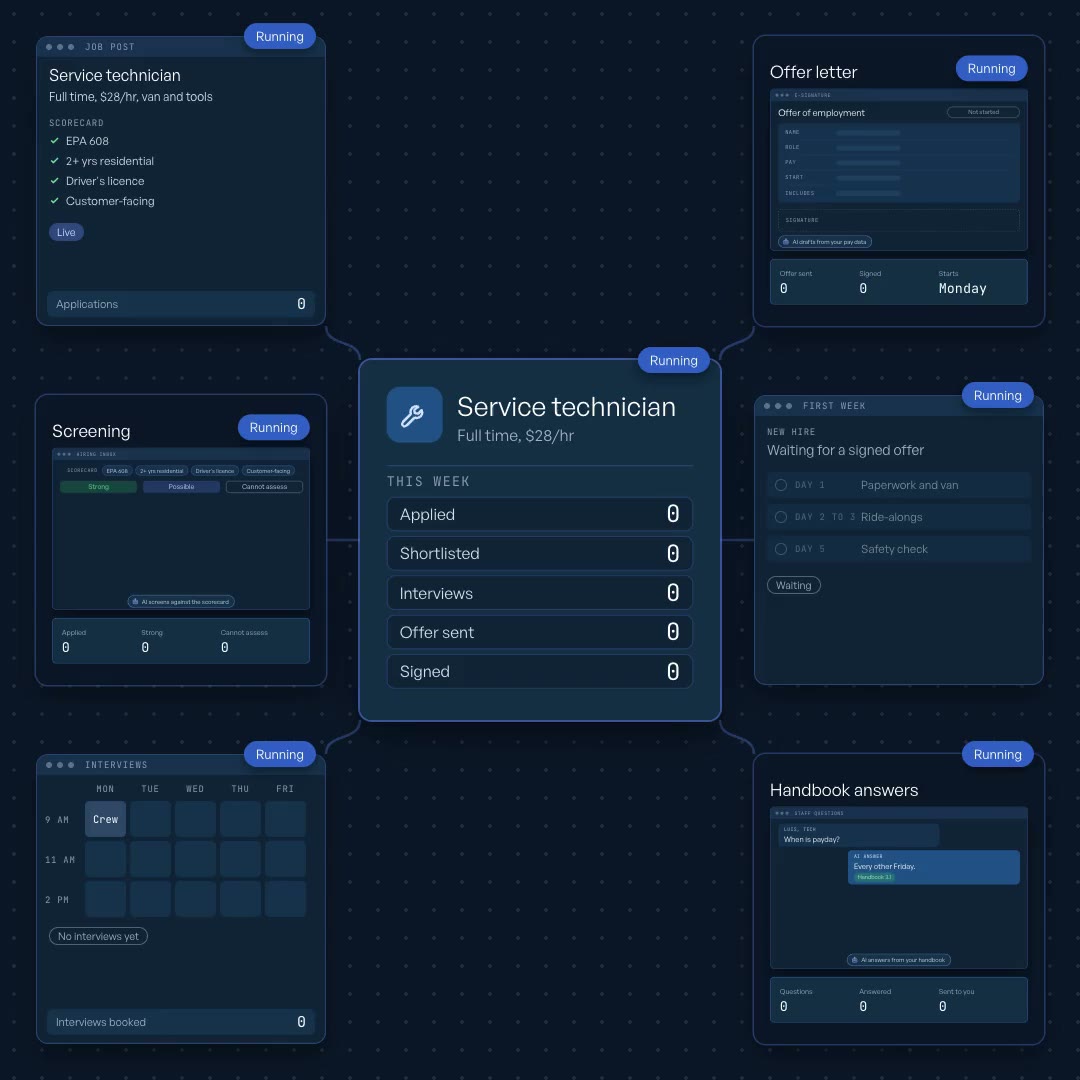
Every candidate is scored against the same criteria, and every new hire starts with an onboarding plan.
Connects to your hiring inbox or job board, email, calendar, e-signature, payroll or HR tool and handbook.
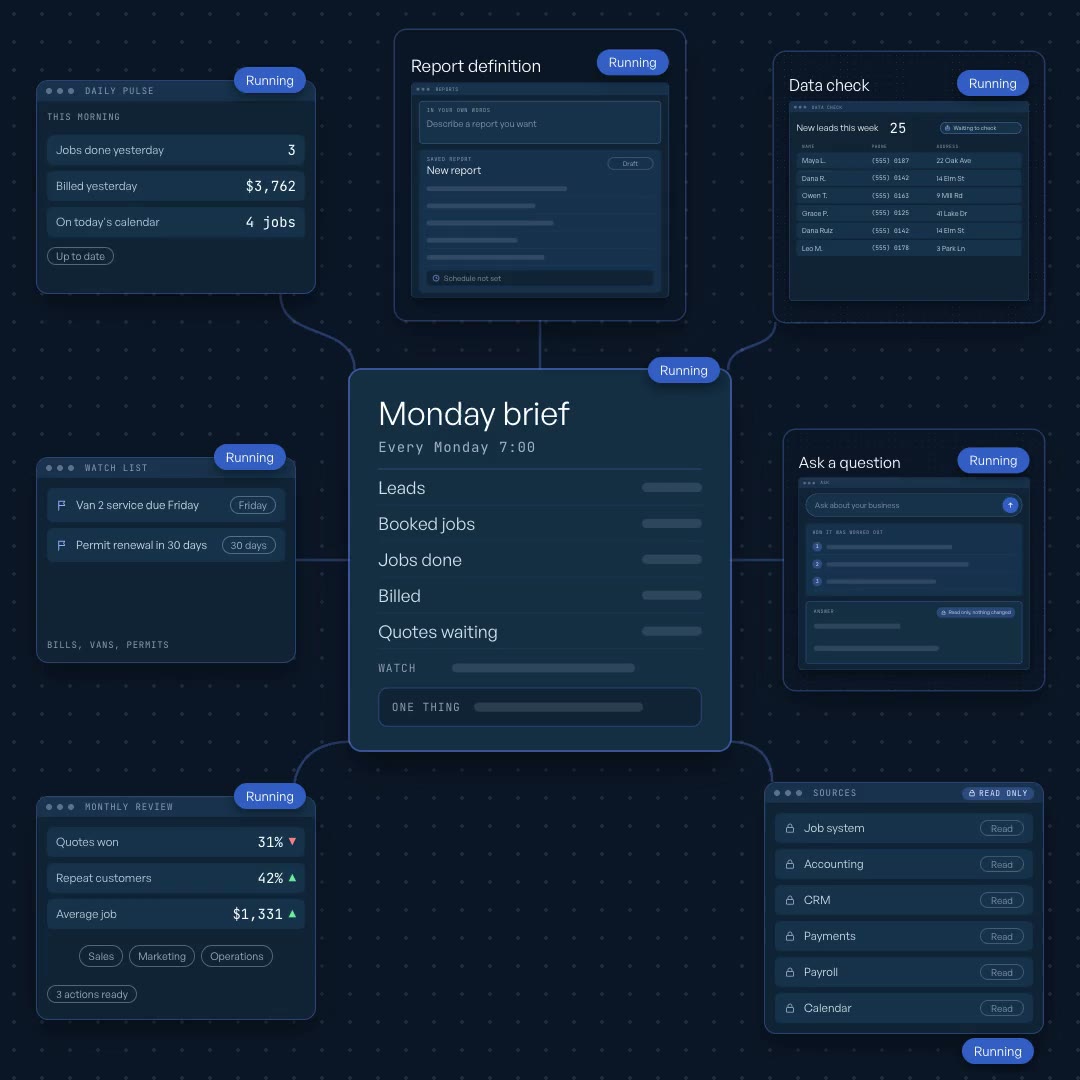
Numbers are validated before they reach you, and every figure traces back to its source.
Connects to your accounting software, payment processor, CRM, store or job system, payroll, calendar, email and spreadsheets.
Some of the best ideas don’t fit a department. Here are two that clients brought us, and we built them.
Reads each new report, checks the stock against a written thesis, and buys only inside the rules you set
Watches live sales streams, spots likely buyers in the chat, and drafts a reply for a person to send
Free 30-minute call. Bring one workflow, and we’ll show you how much of it can run on its own.